An order confirmation starts with a question.
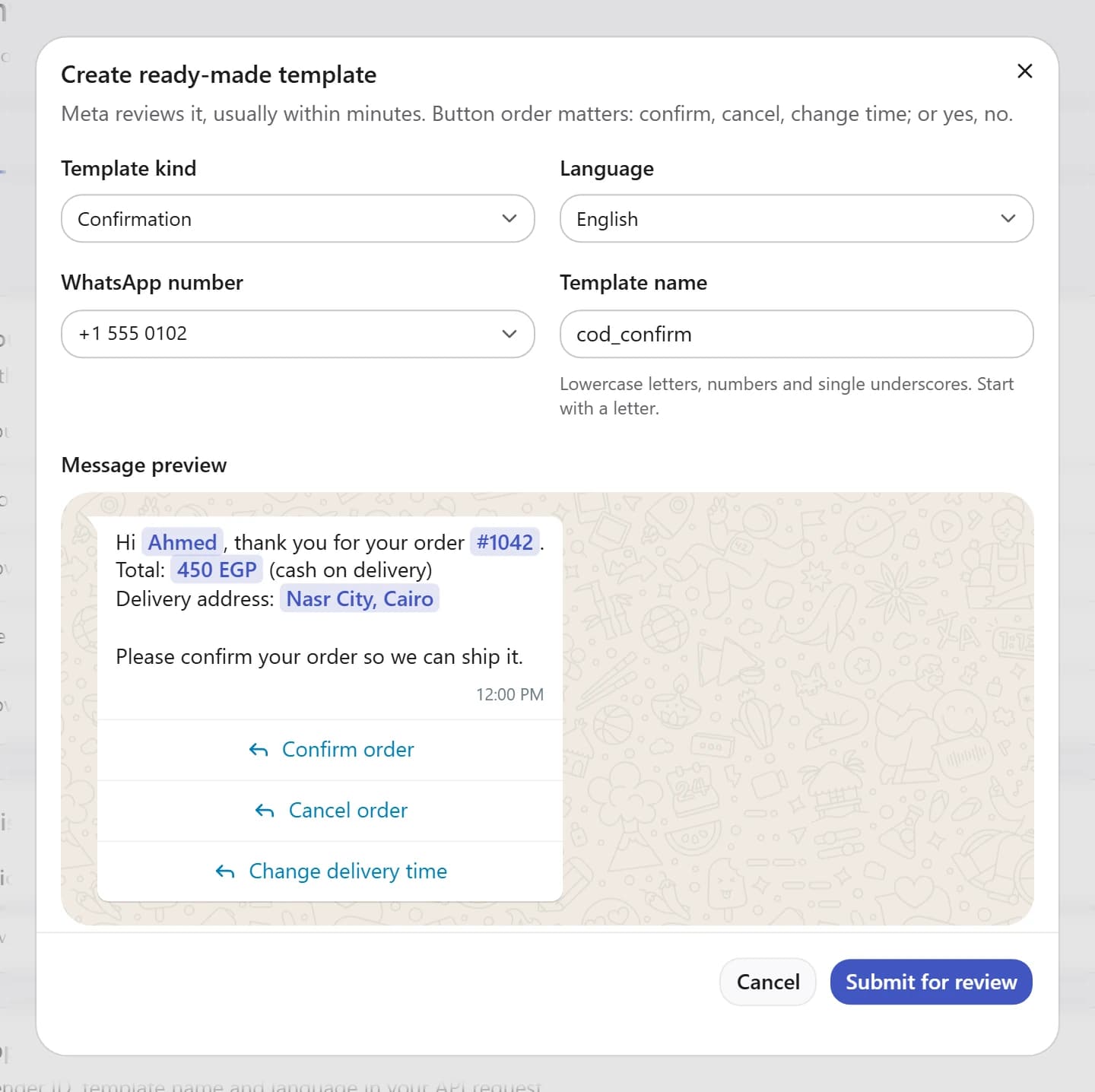
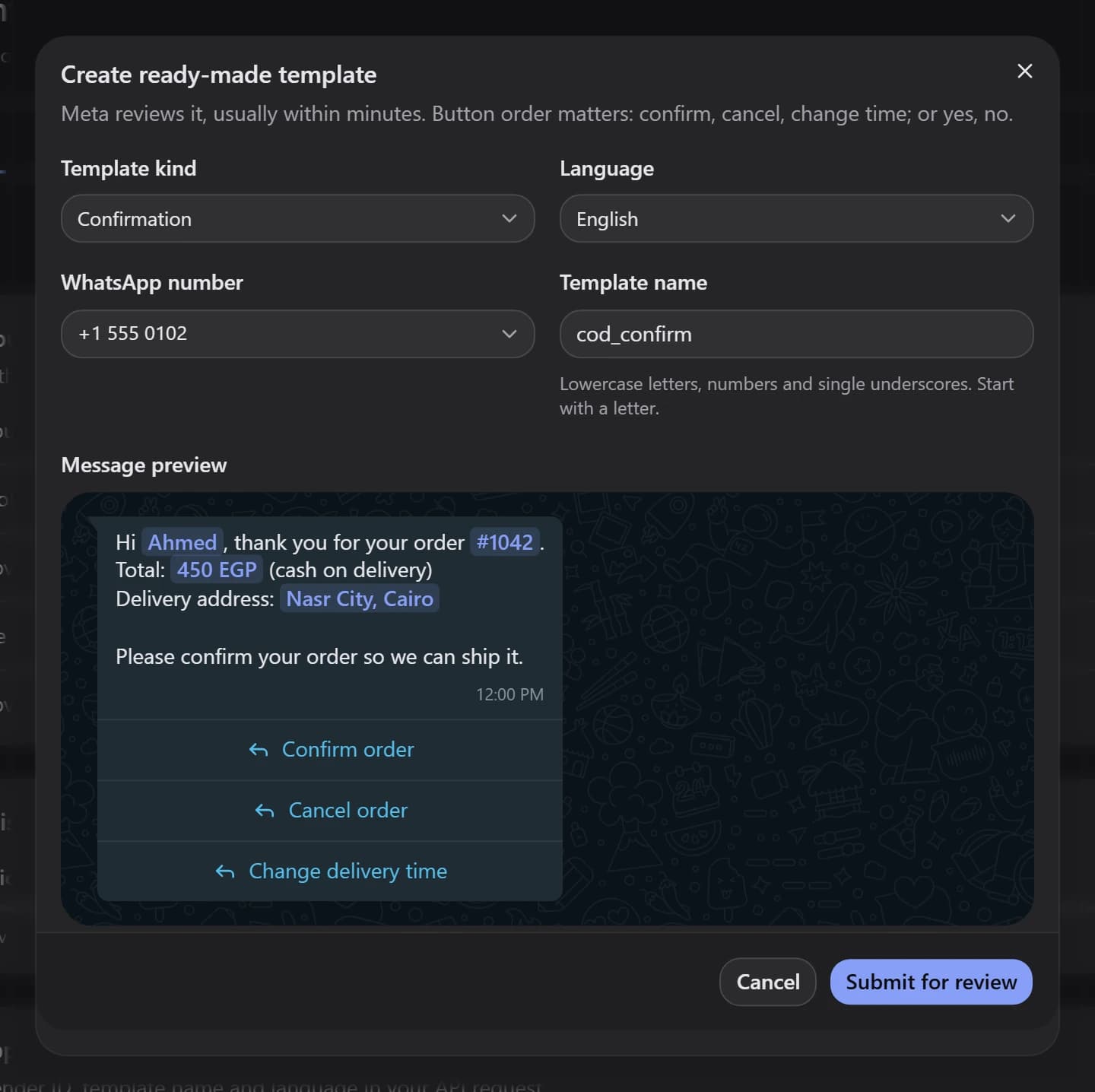
Request cash-on-delivery order confirmations through the API. Customers can confirm, cancel, or change the delivery time on WhatsApp.
Ask before the order goes out.
Your store or application sends a request through the COD API. The customer receives choices to confirm, cancel, or change the delivery time on WhatsApp.
- API-based confirmation requests
- Customer choices inside the conversation
Set the follow-up around your delivery.
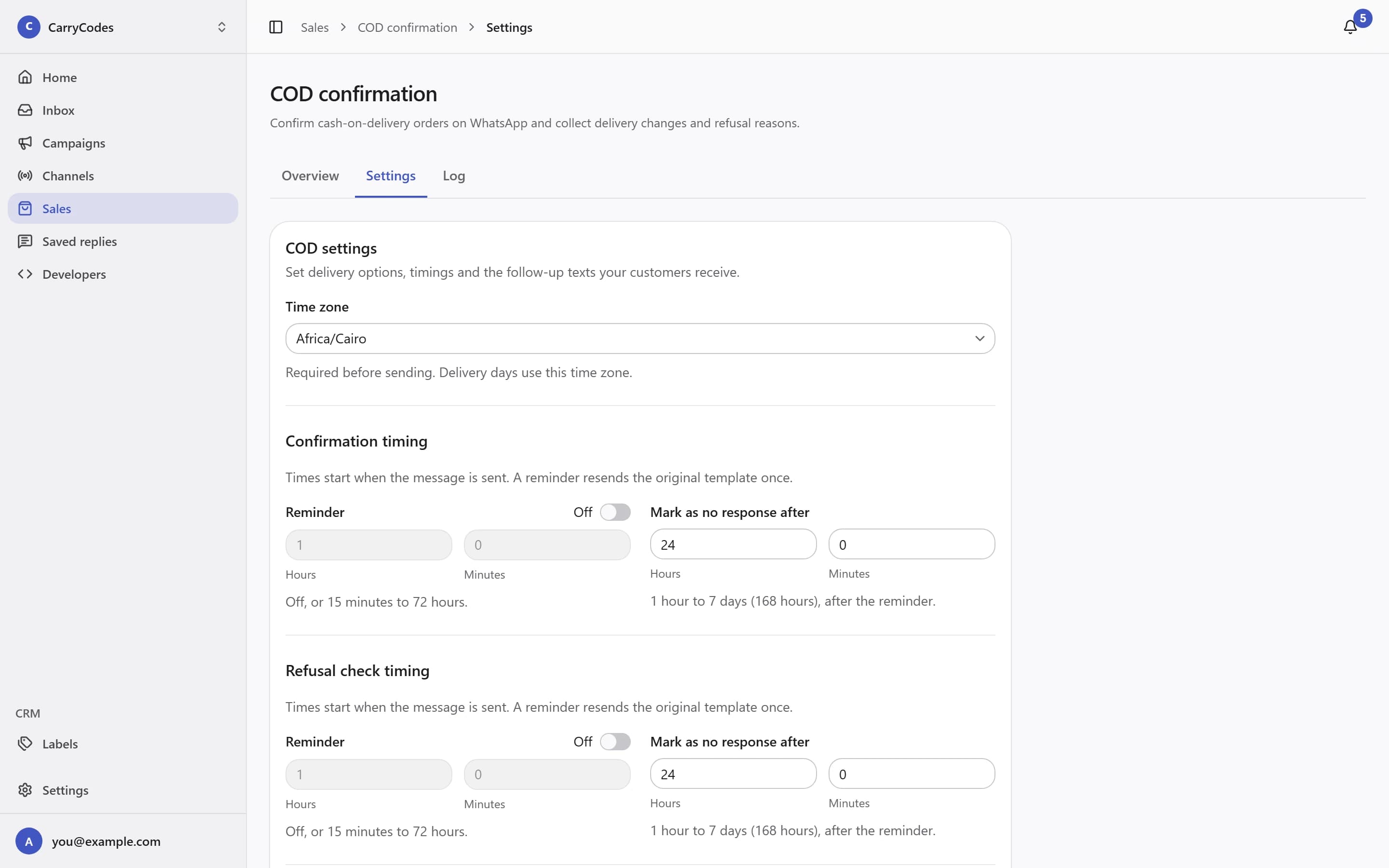
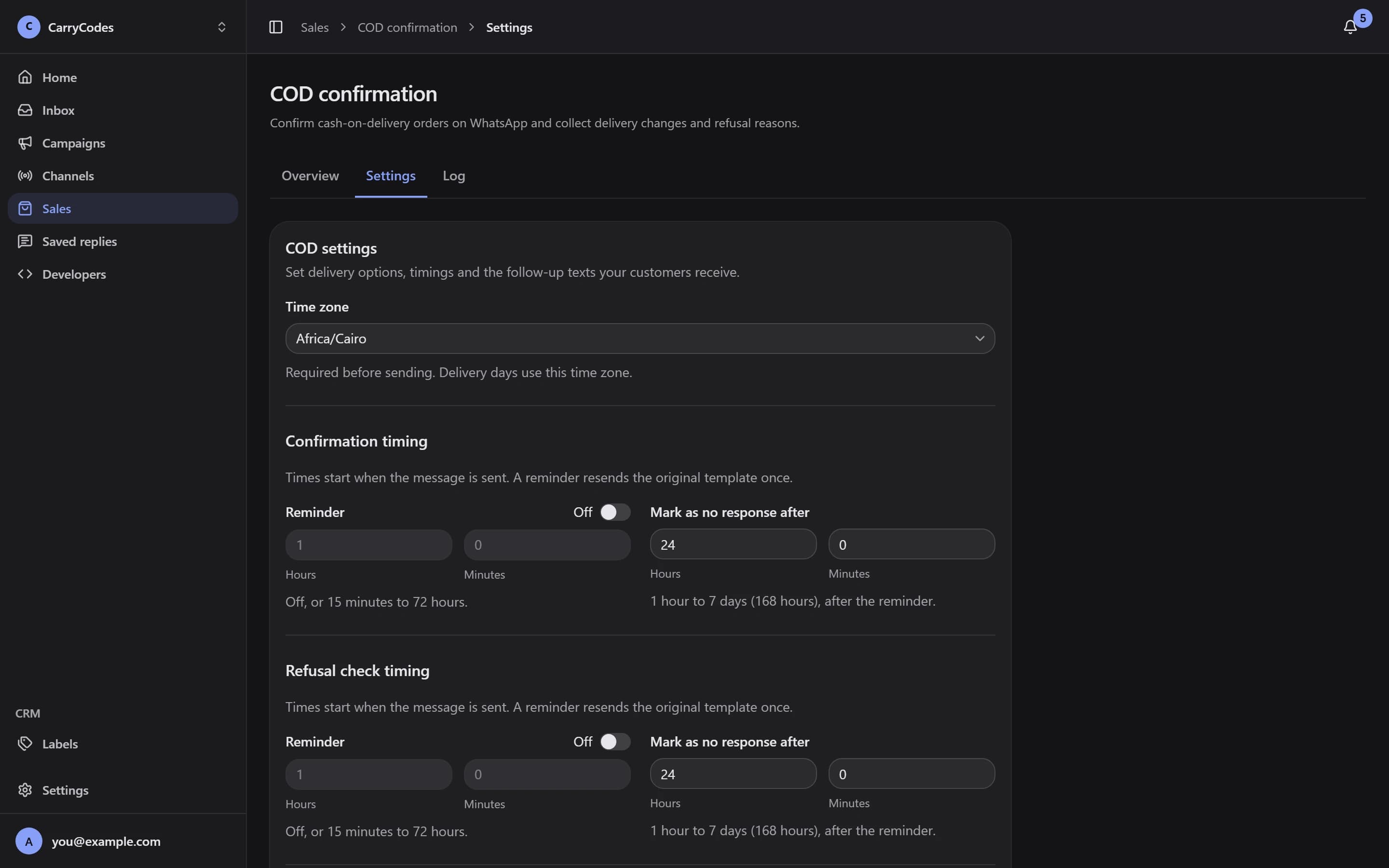
Choose the delivery time zone, reminders, and no-response deadline in Settings. Configure reschedule options and the follow-up text for your supported languages.
- Configurable reminders and deadline
- Delivery days and time-range labels
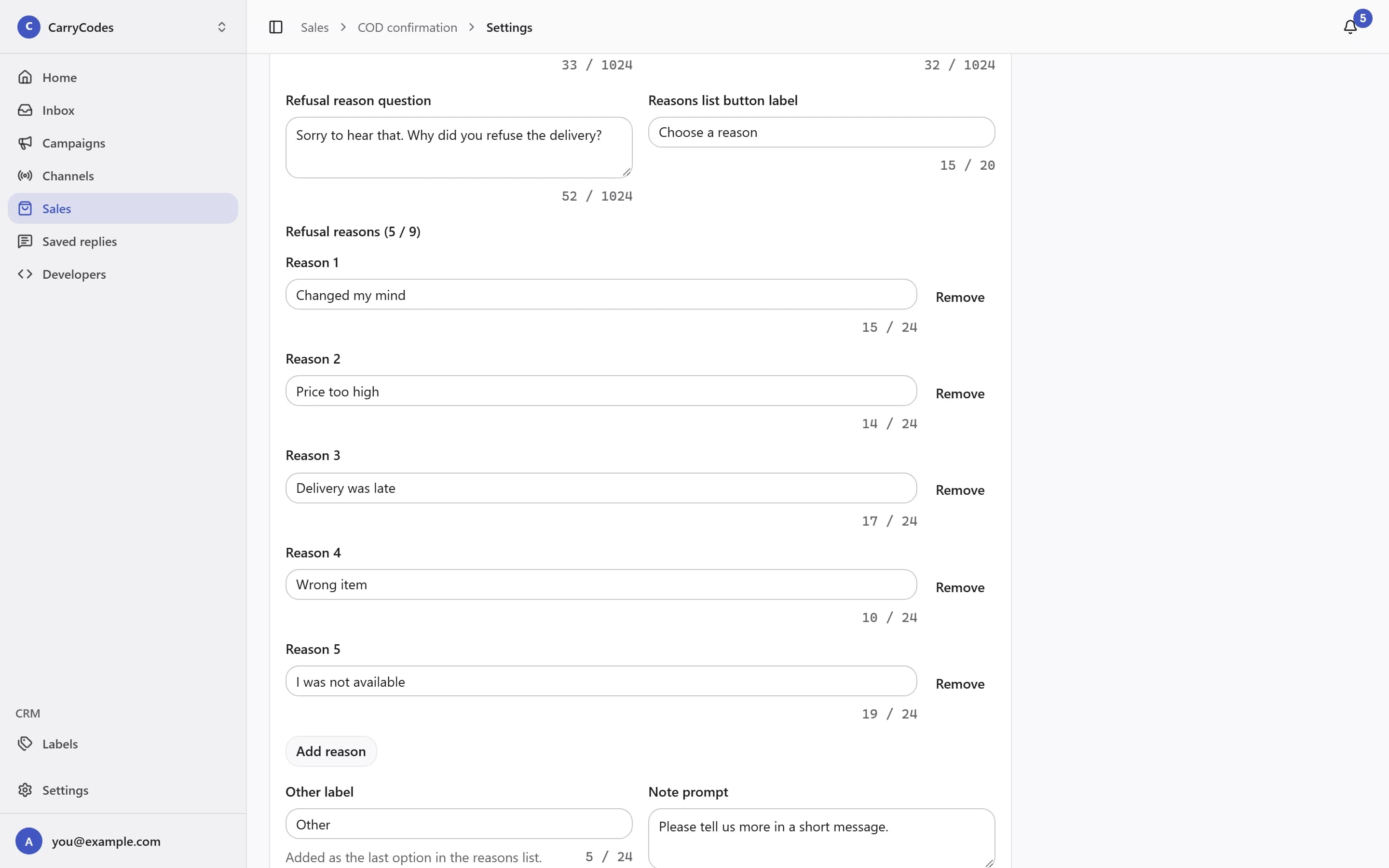
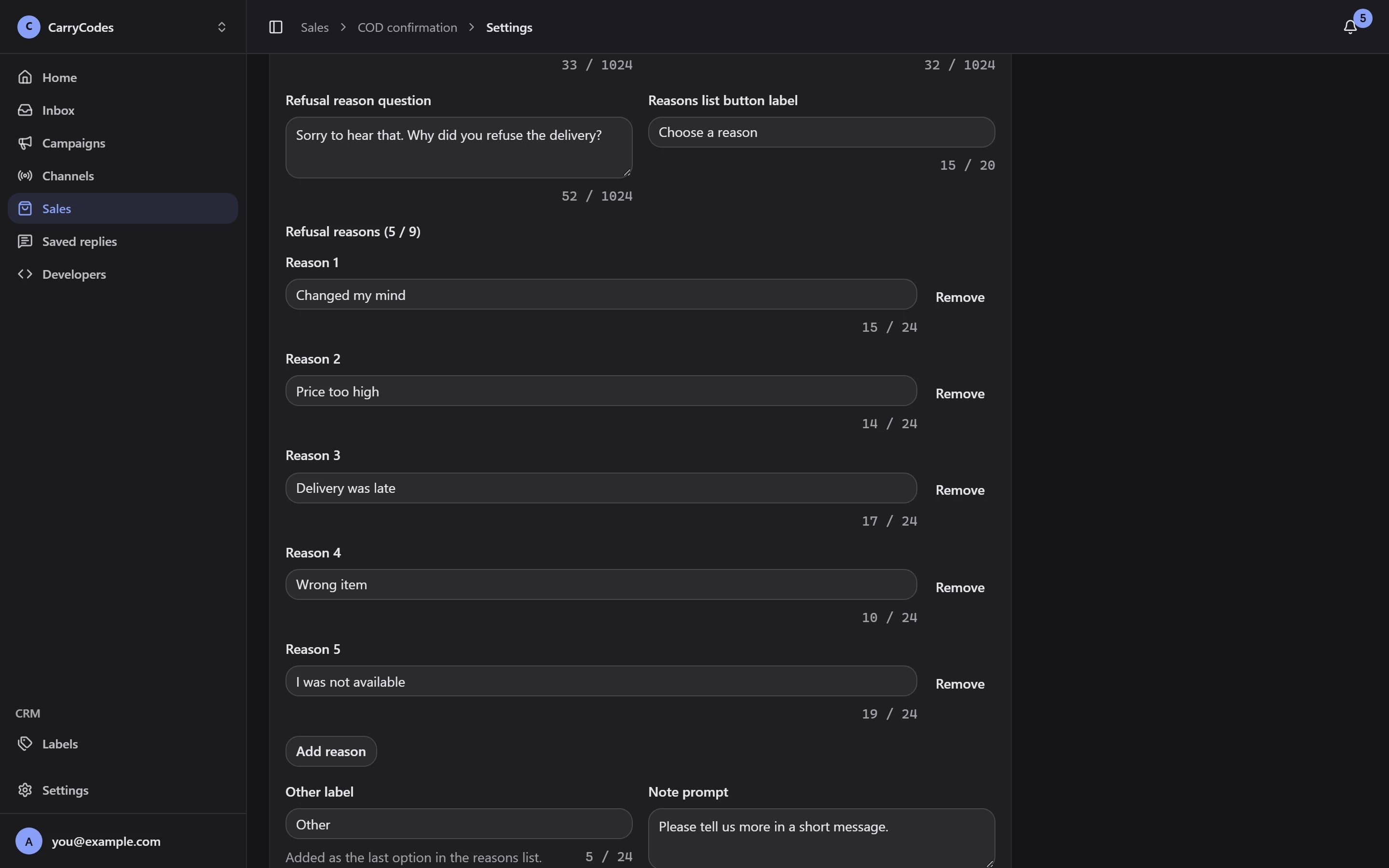
Ask what happened at delivery.
Use a Refusal check to ask whether a delivery was refused and collect the reason. Set refusal-check timing and configure the reasons your team needs to understand.
- A separate refusal-check request
- Configurable refusal reasons
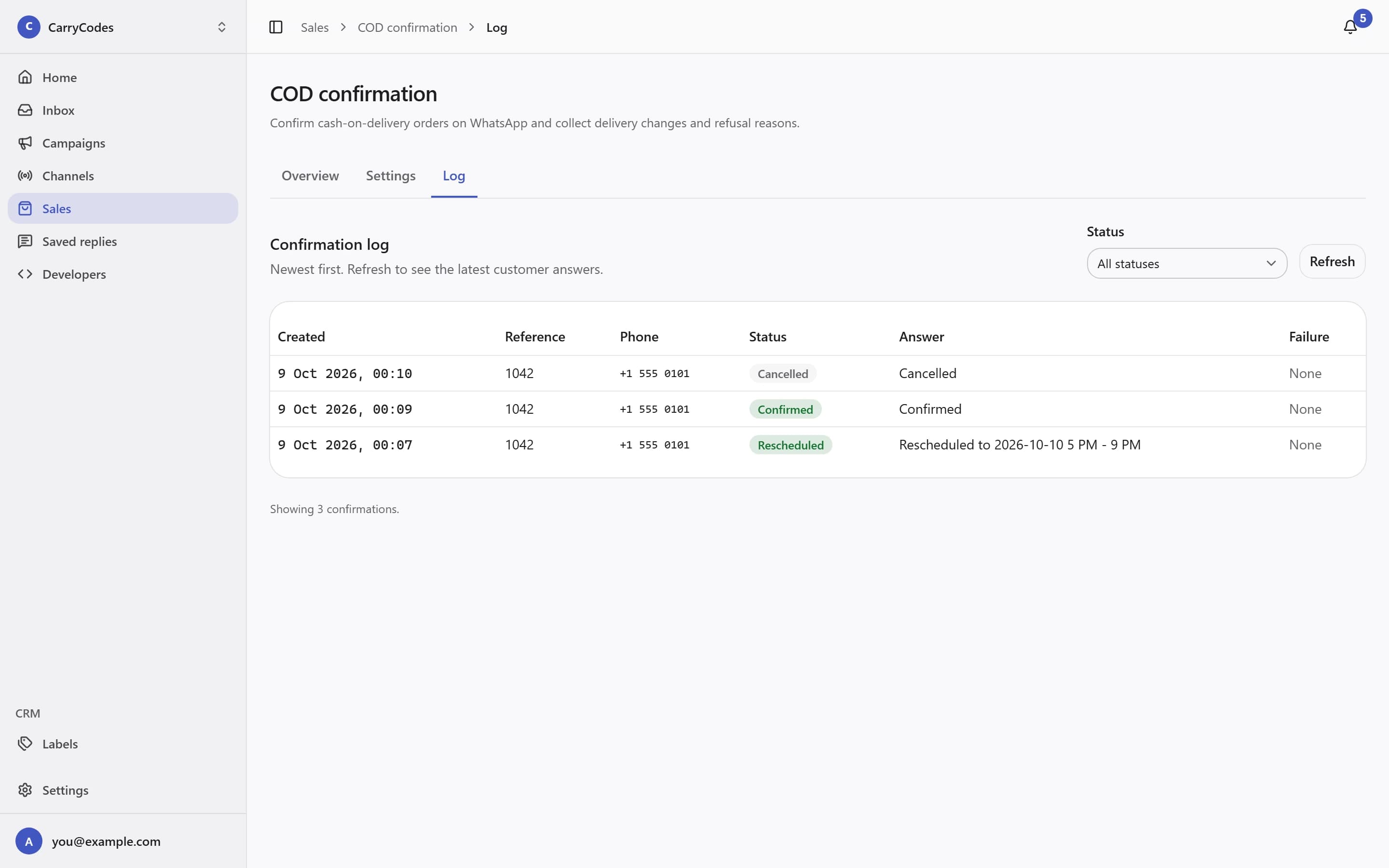
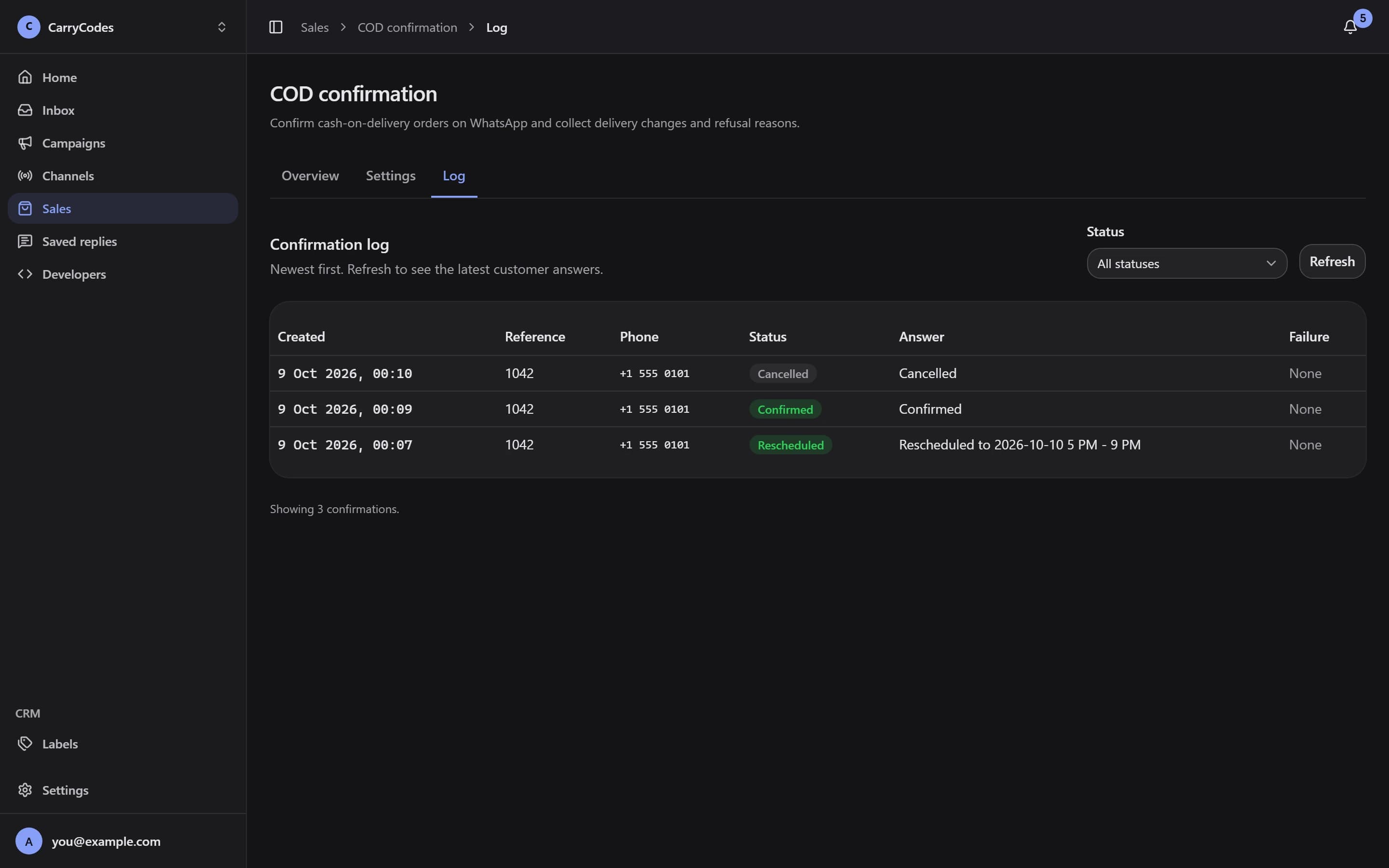
Keep the answer with the request.
Open Log to review the latest confirmations, customer answers, and failures. Filter by Status to find requests that need attention.
- Newest-first confirmation log
- Status filters and failure details
Before you start.
- A developer connects your store or application to the API. COD templates must be approved Utility templates with the required quick-reply buttons.
- Order confirmations and refusal checks have separate monthly allowances. Quotas depend on your plan.
- Meta message fees are separate and billed by Meta. Ordinary inbox replies still follow the 24-hour customer reply window.
A place for your
next customer conversation.
Access is invite-only. Confirm your email to join the list; invitations go out in small batches.
Join the waitlist