Customer conversations, shared by your team.
Assign conversations, reply to customers, and keep contact notes and saved replies in a shared team inbox for WhatsApp.
Know who is taking the next reply.
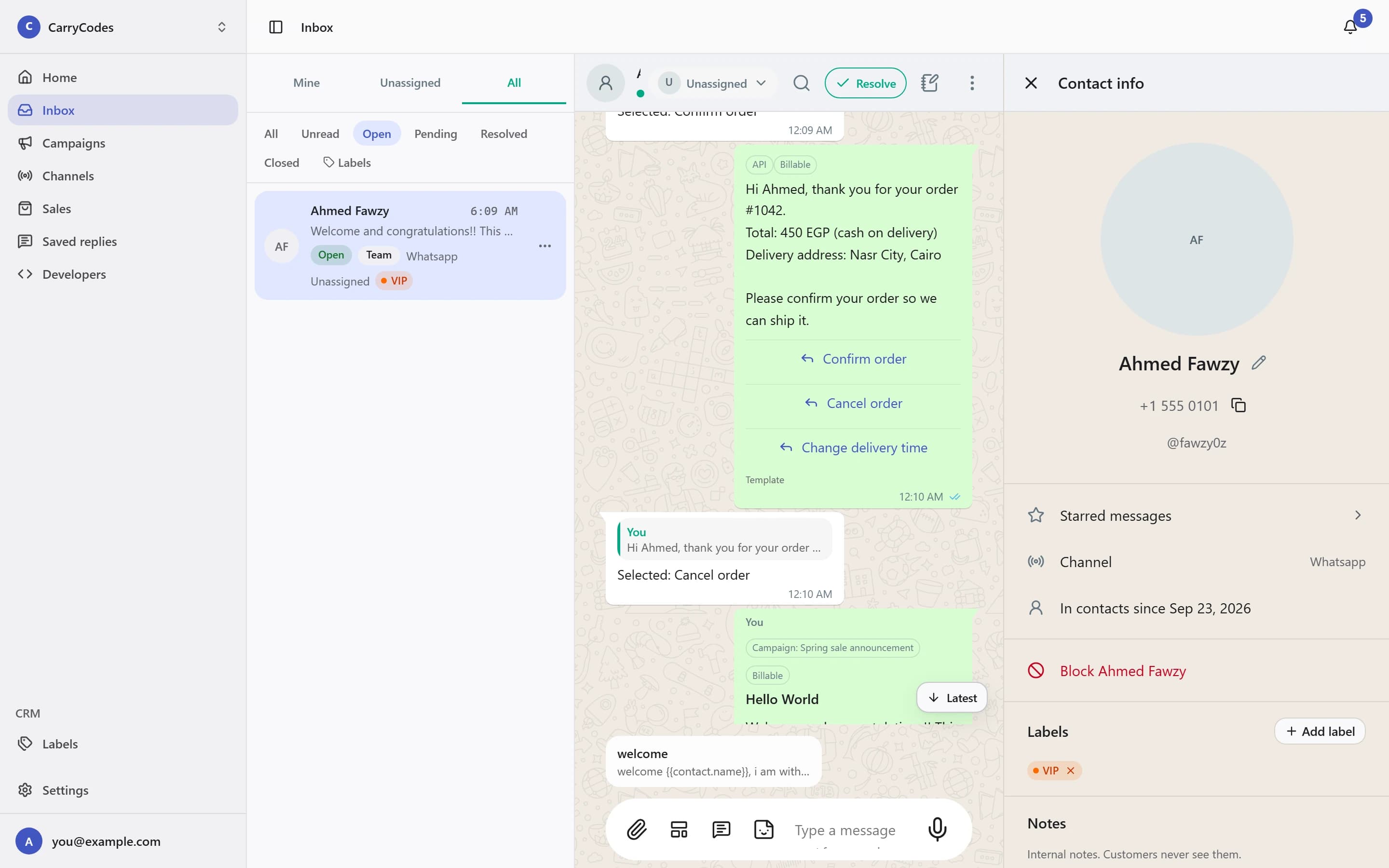
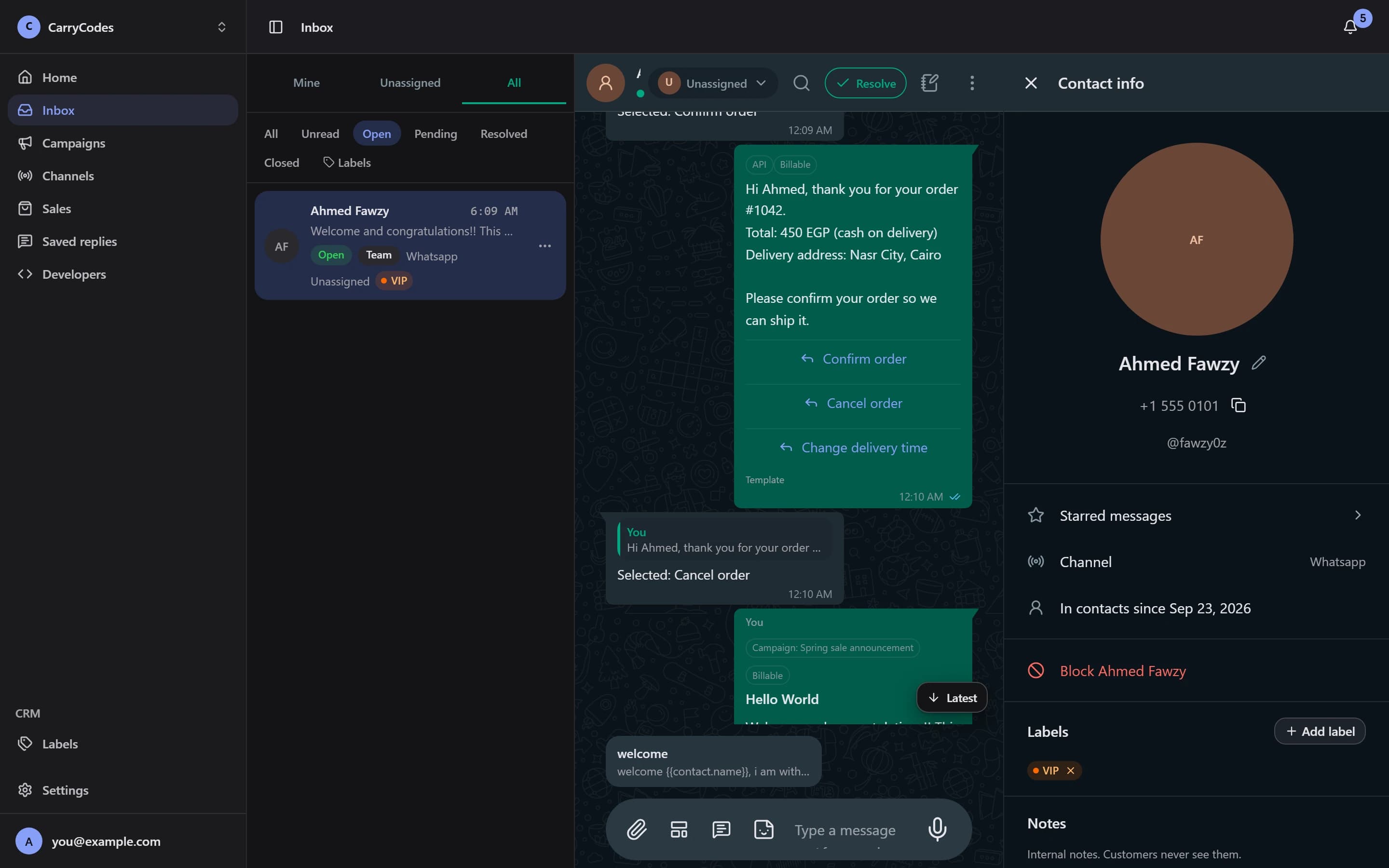
Filter the conversation list with Mine, Unassigned, All, or My queue. Claim a chat with Assign to me or hand it to a teammate. Resolve it when the work is done; a new customer message reopens it.
- Team filters and conversation statuses
- Assign, unassign, and resolve
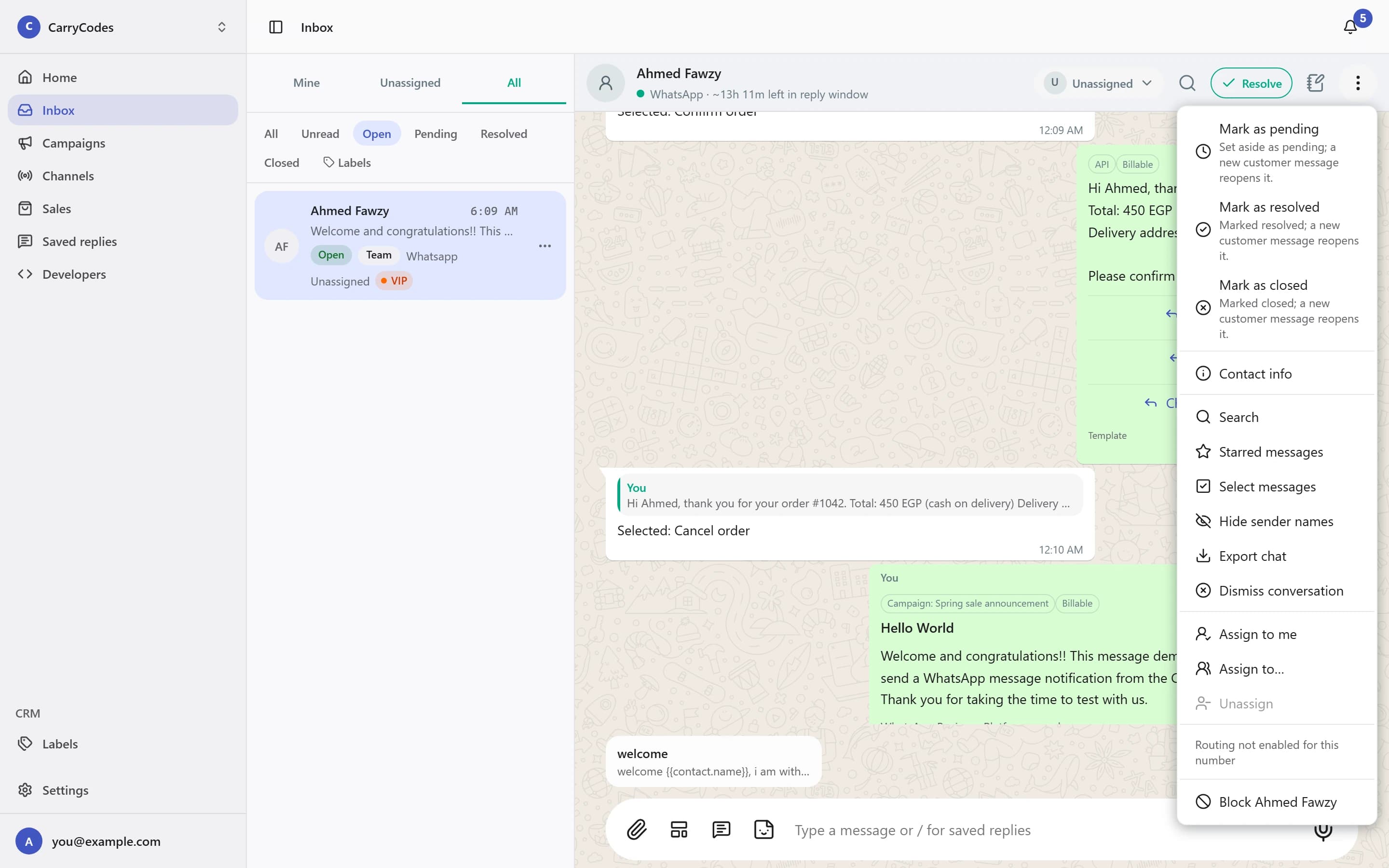
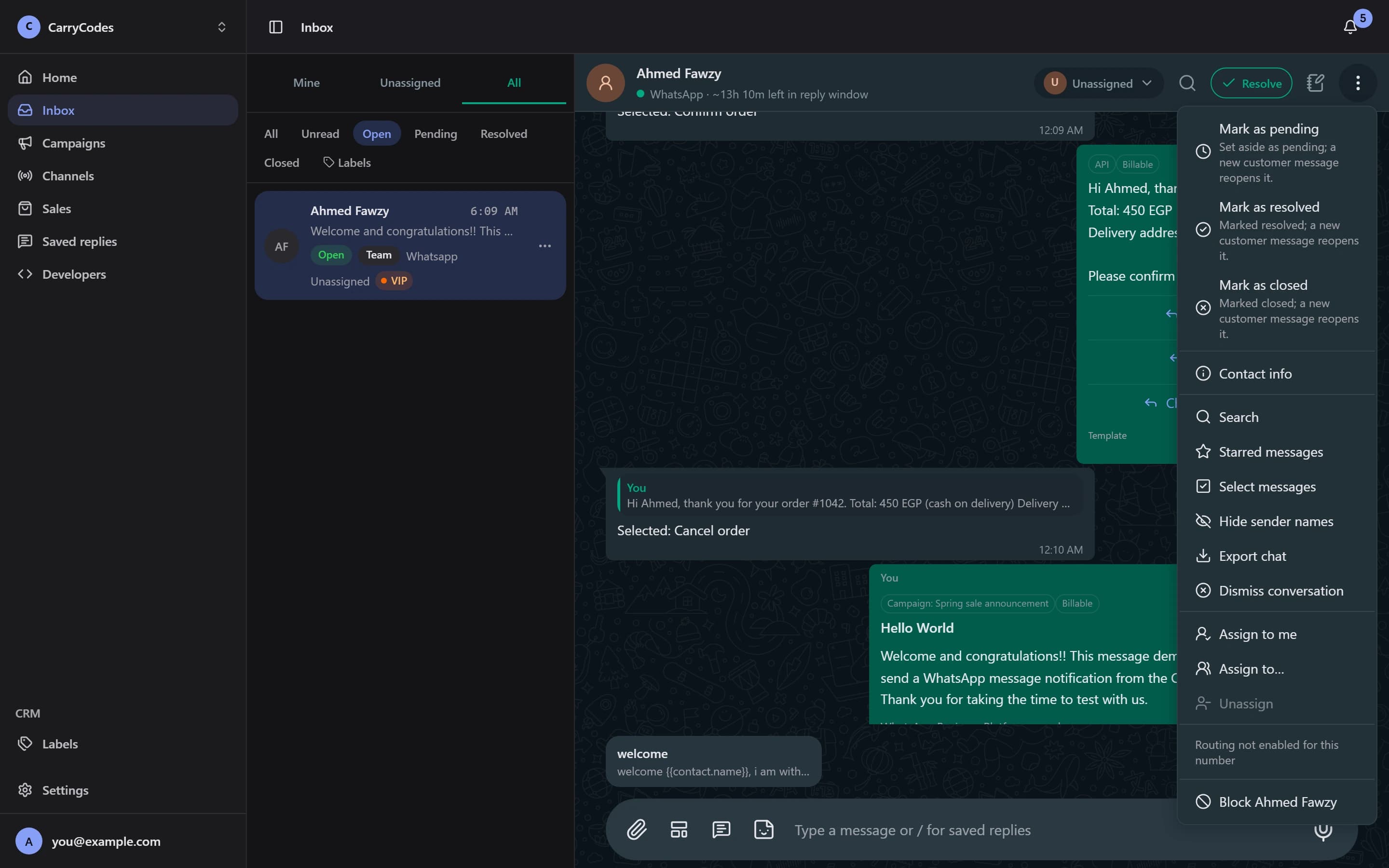
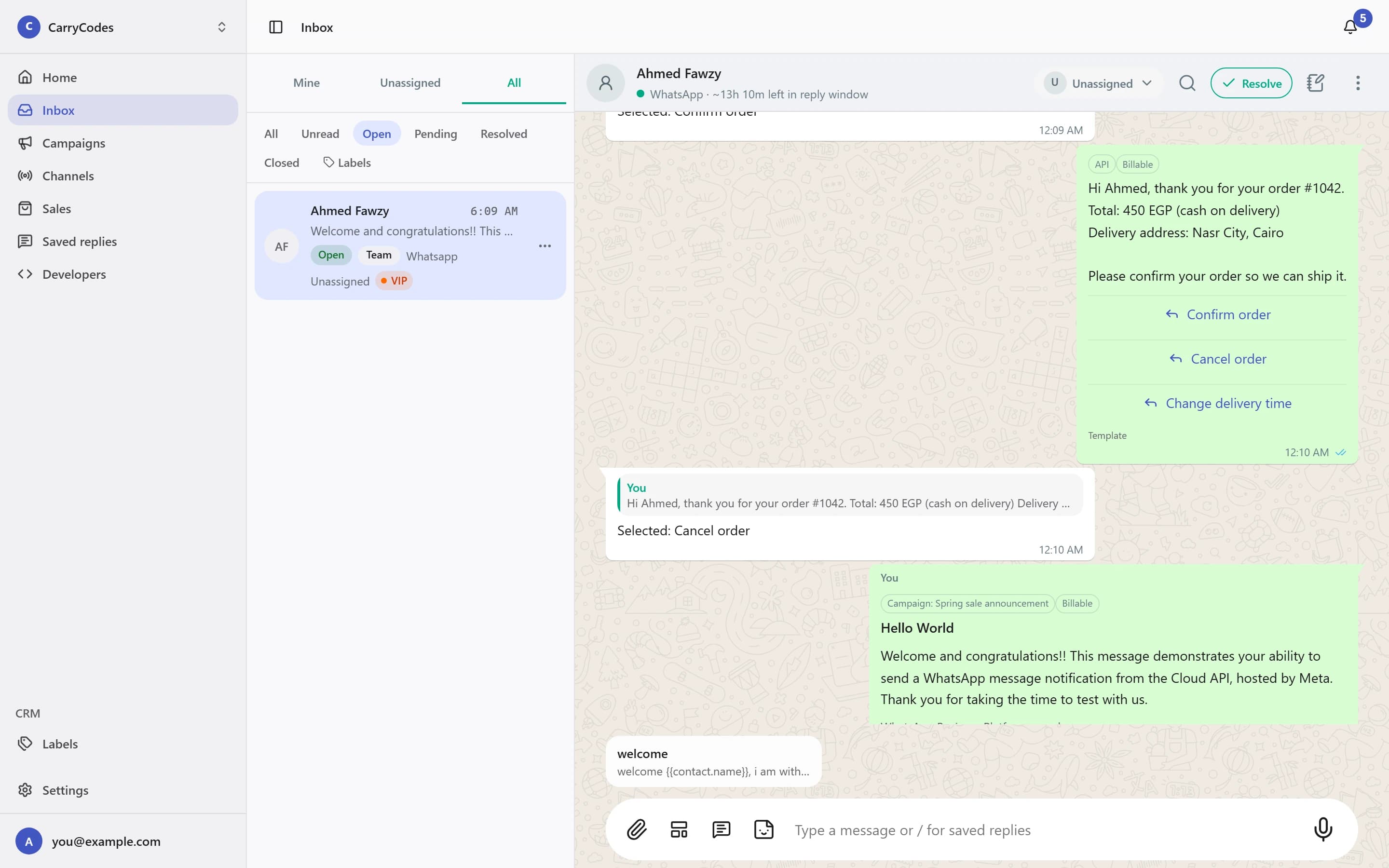
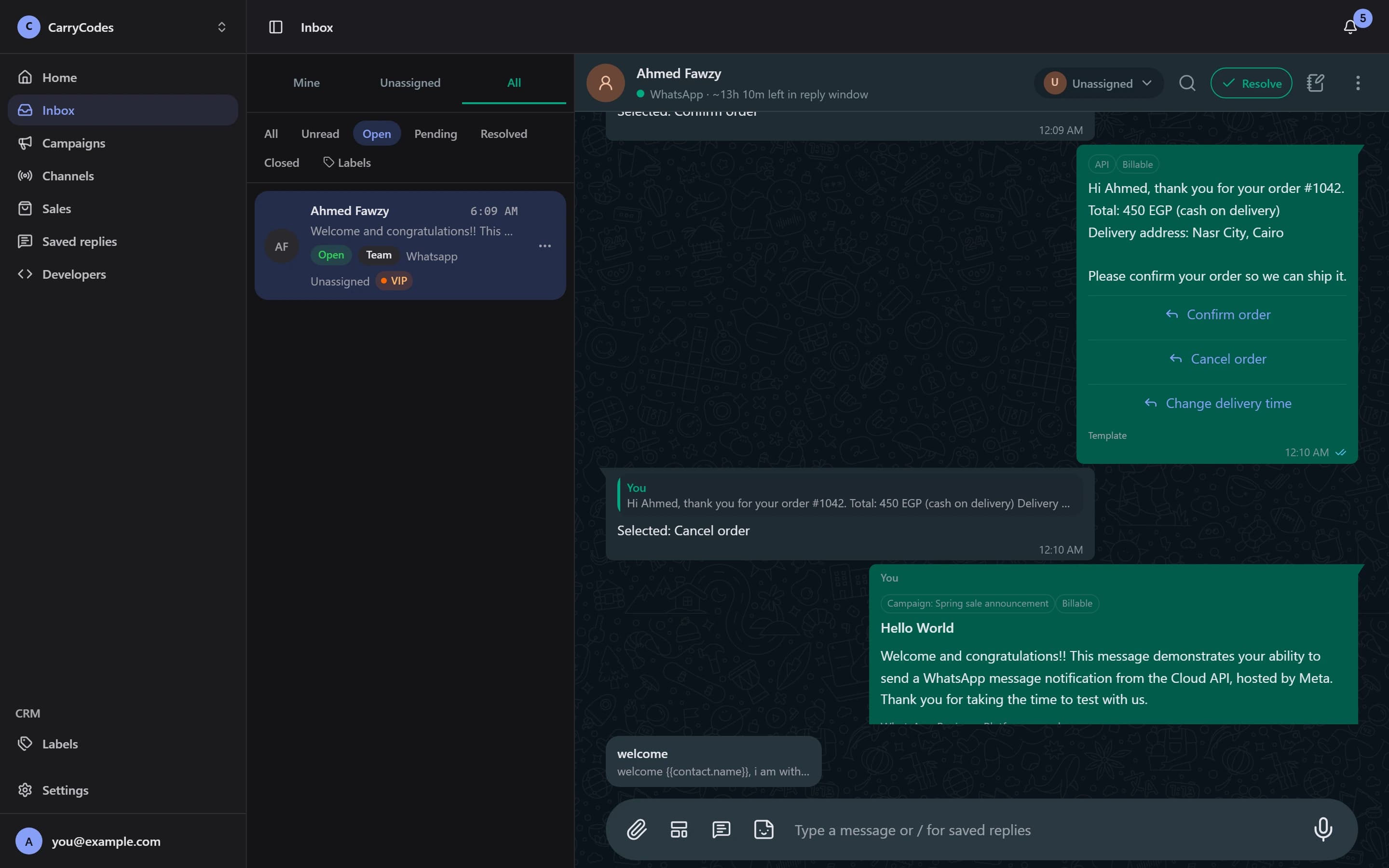
Reply with the right format.
Send text, files, and voice notes, or quote a customer message in your reply. In an open reply window, use buttons, a list, or a link button when a choice is clearer than another paragraph.
- Text, media, and voice replies
- Interactive messages in an open window
Keep the useful context close.
Open Contact info to see the name, phone number, labels, and notes. Share labels with the team and leave private contact notes that customers never see.
- Shared contact labels
- Private team notes on the contact
Write the answer once.
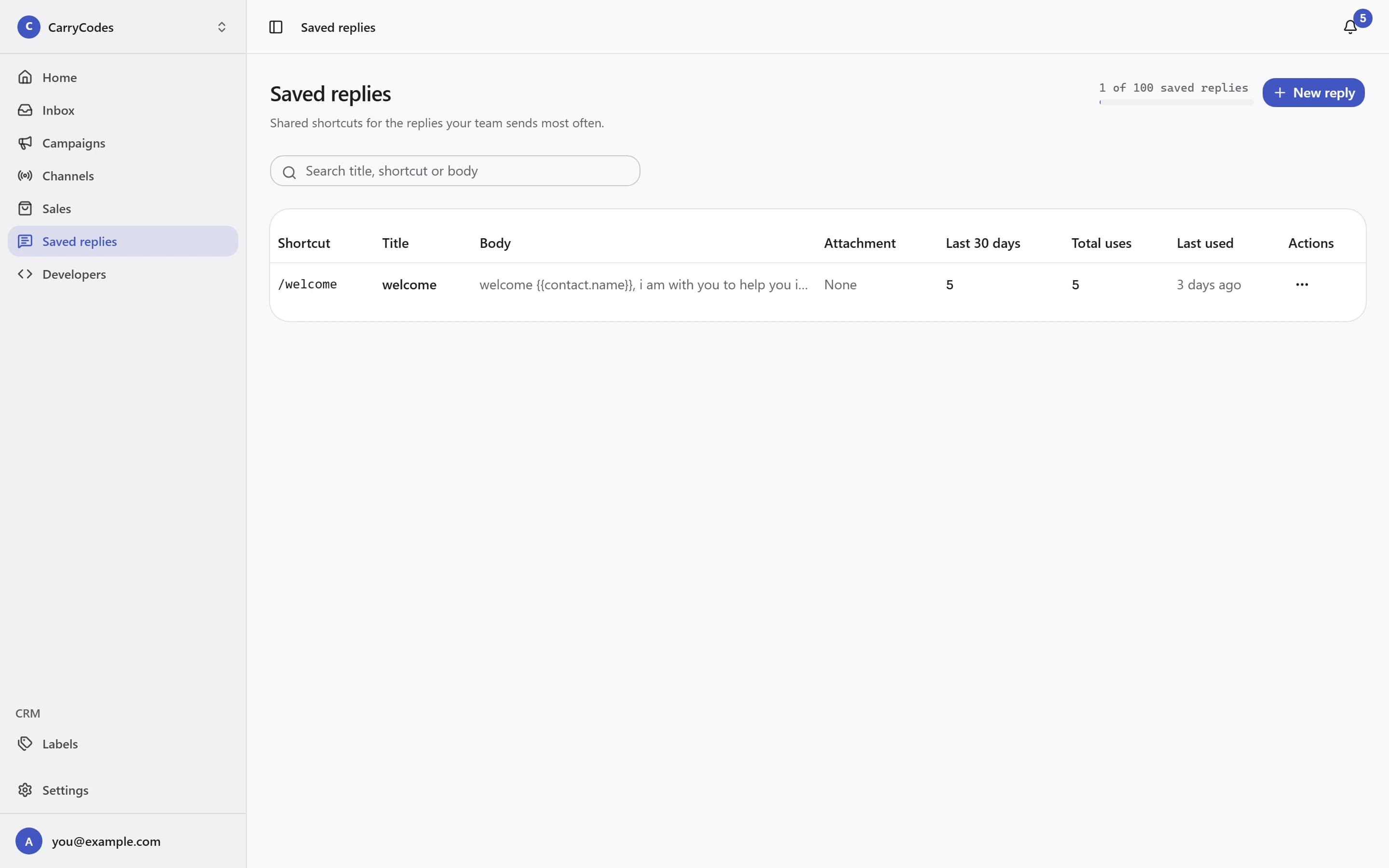
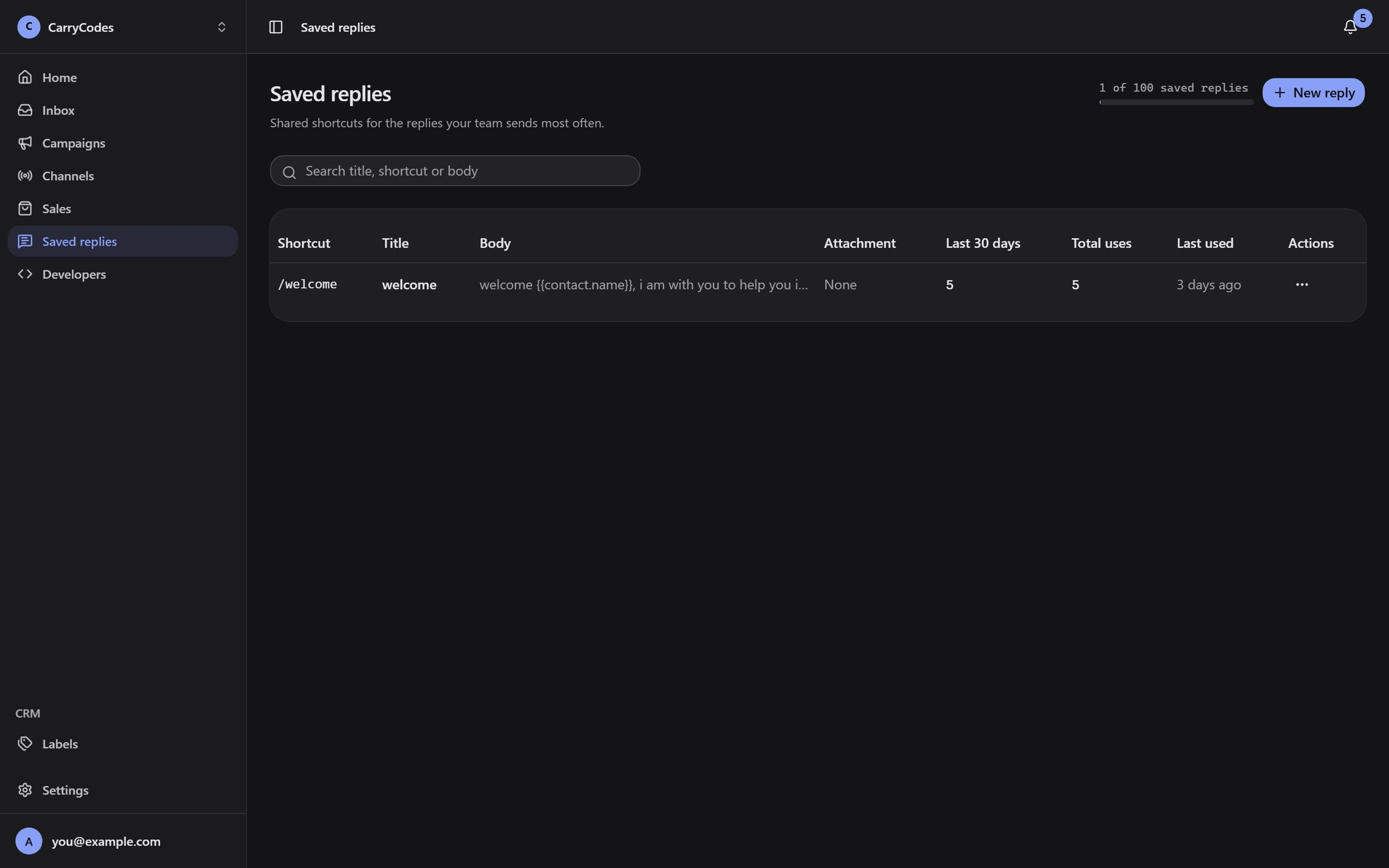
Build a shared Saved replies library for repeat questions. Use the / shortcut while replying, fill variables, and include an attachment when the reply needs one.
- Shared reply library
- Variables and an attachment
Before you start.
- Free-form replies are available within 24 hours of the customer's last message. Outside that window, use an approved template.
- Sending a template does not reopen the reply window. Meta reviews and approves message templates.
- Meta message fees are separate and billed by Meta. Messaging limits and quality rules are separate from your plan allowances.
A place for your
next customer conversation.
Access is invite-only. Confirm your email to join the list; invitations go out in small batches.
Join the waitlist