A message with structure. A form with an answer.
Create WhatsApp message templates for Meta review and build Flows forms that customers complete inside WhatsApp. View and export responses.
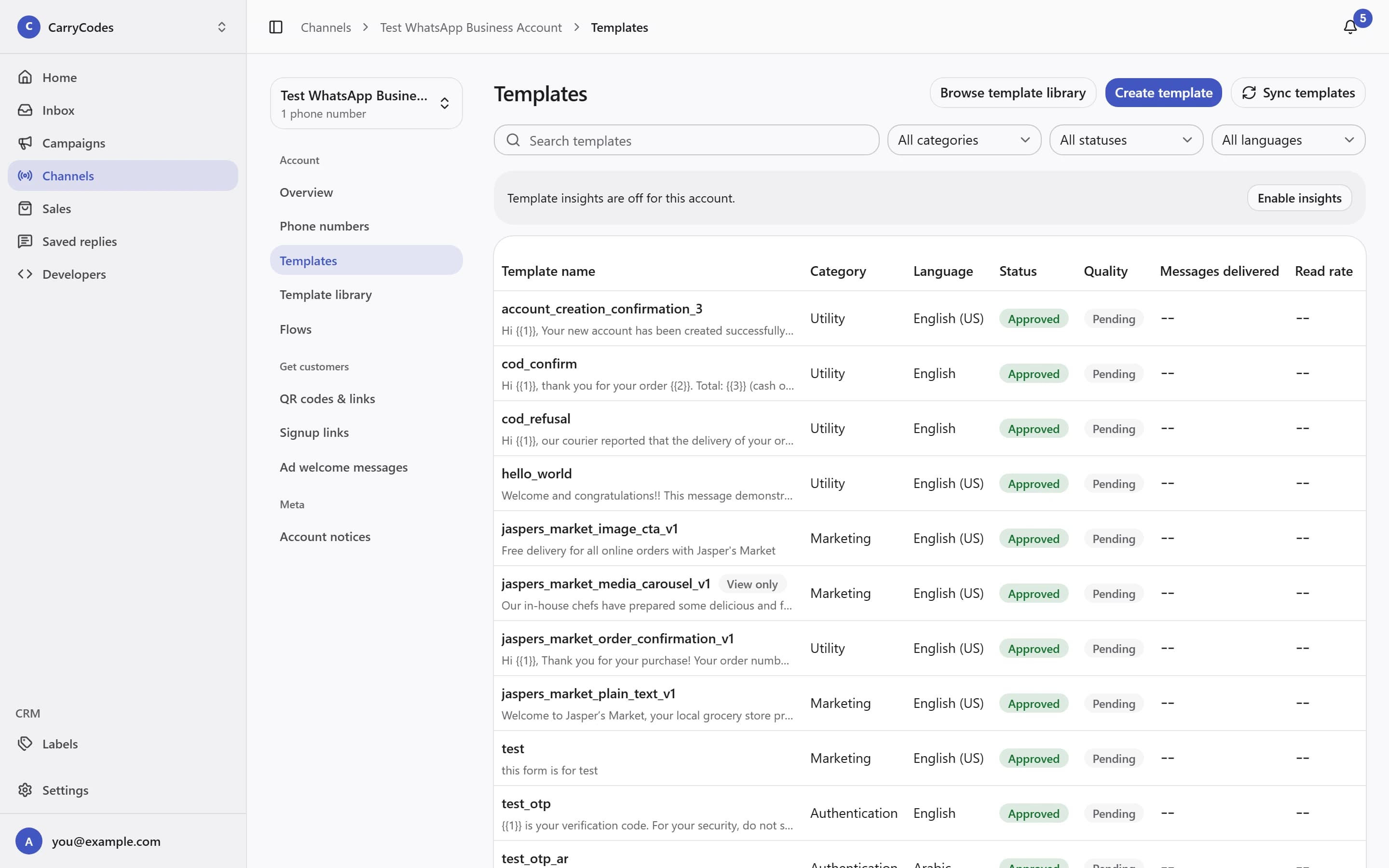
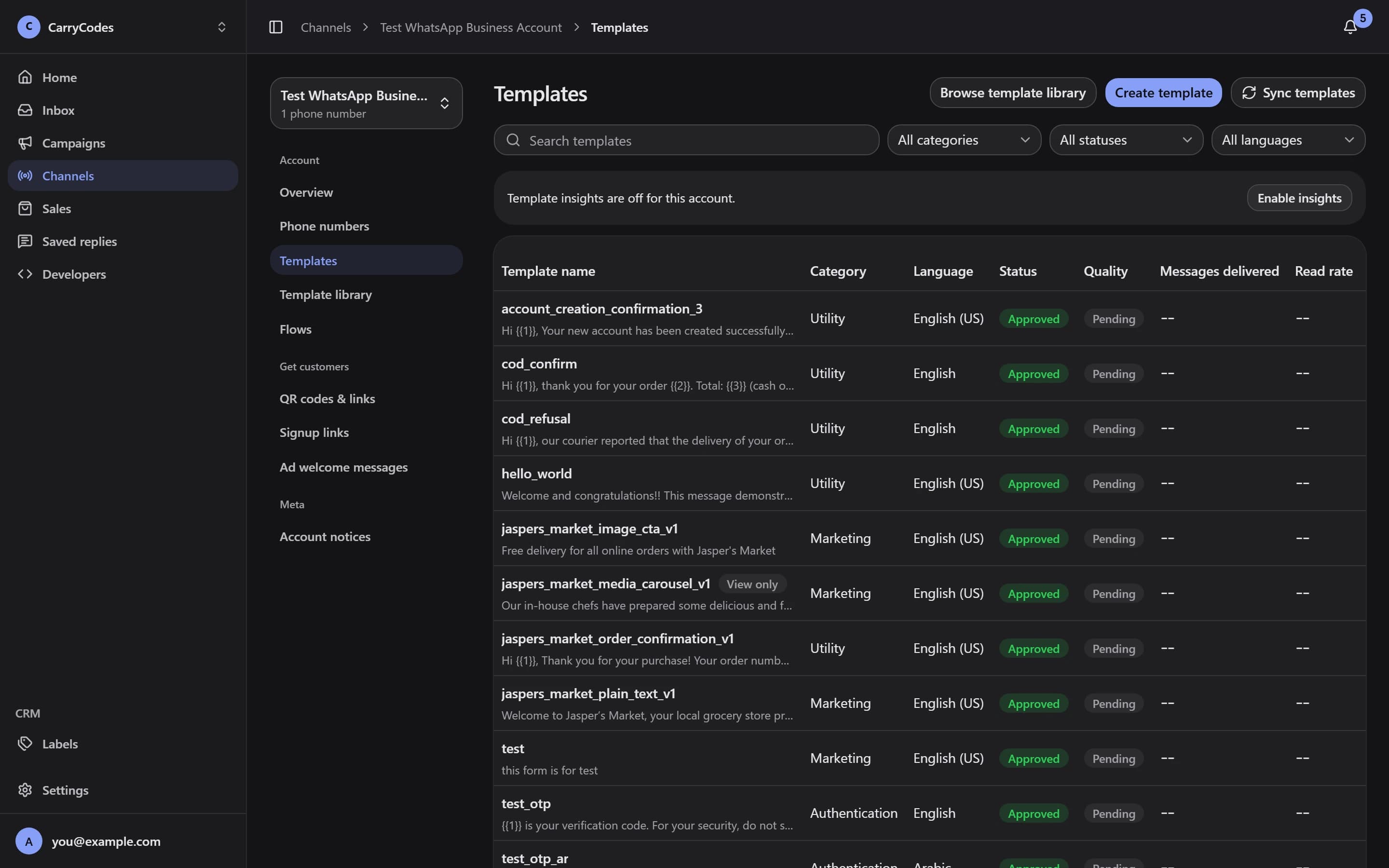
Prepare a template for its purpose.
Create a message template, choose its category, and submit it to Meta for review. Use the template library and Sync templates to follow the account's template status.
- Marketing, Utility, and Authentication categories
- Template creation, library, and status
Collect the answer inside WhatsApp.
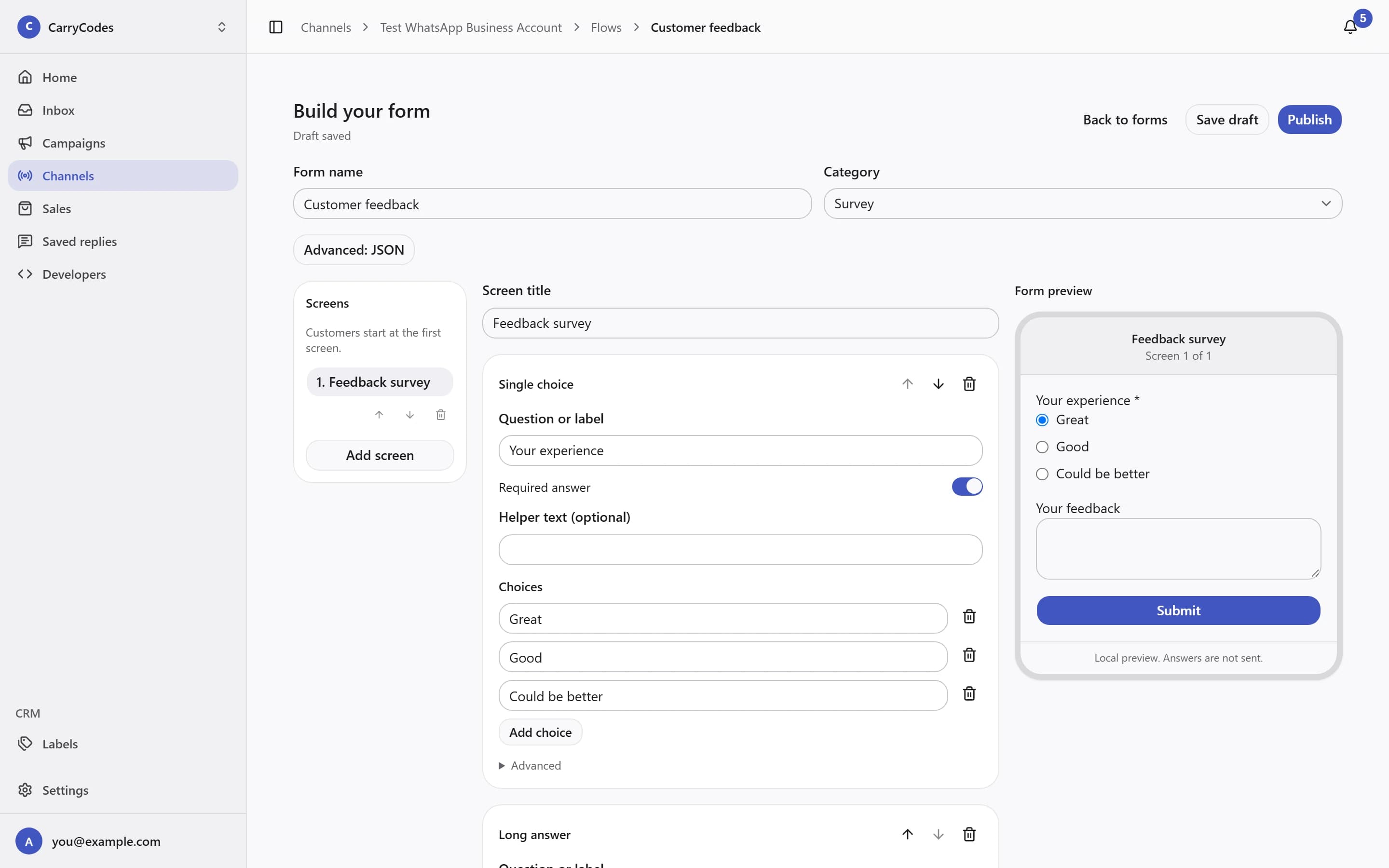
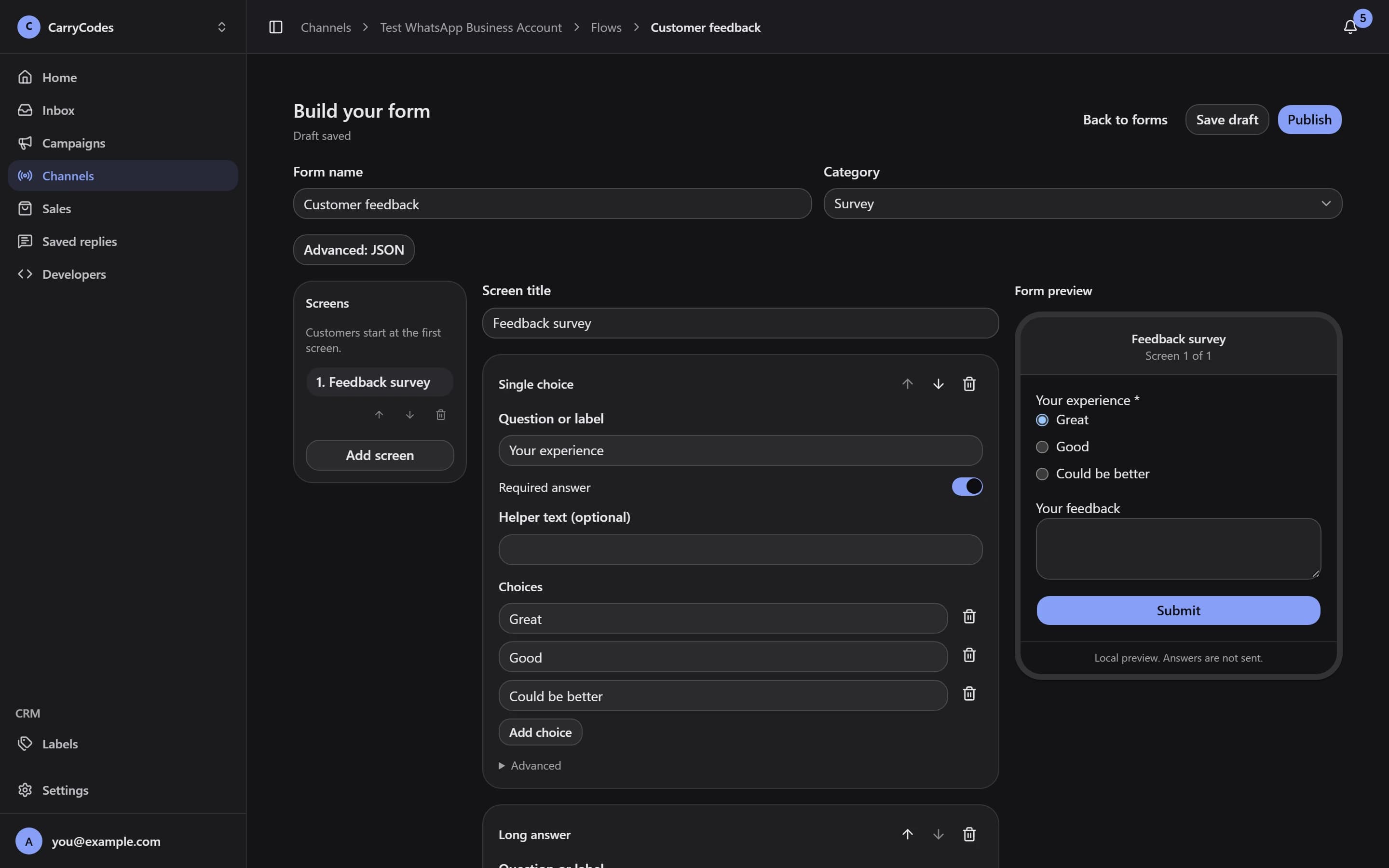
In Flows, choose Create form and Open builder to build the form customers will fill in. Keep the question in the same channel as the conversation.
- Forms completed inside WhatsApp
- A form builder in the dashboard
Publish it, then send it.
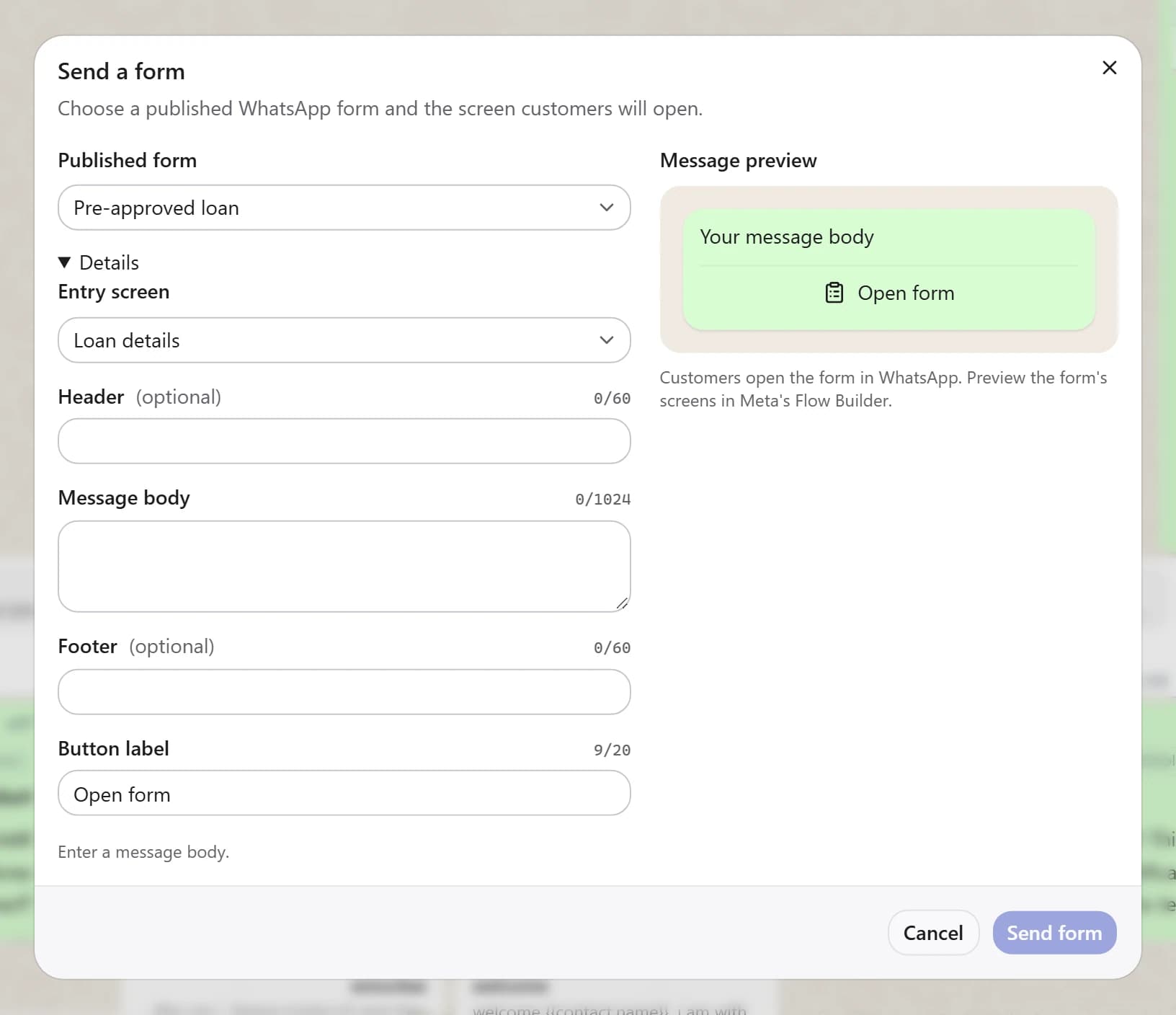
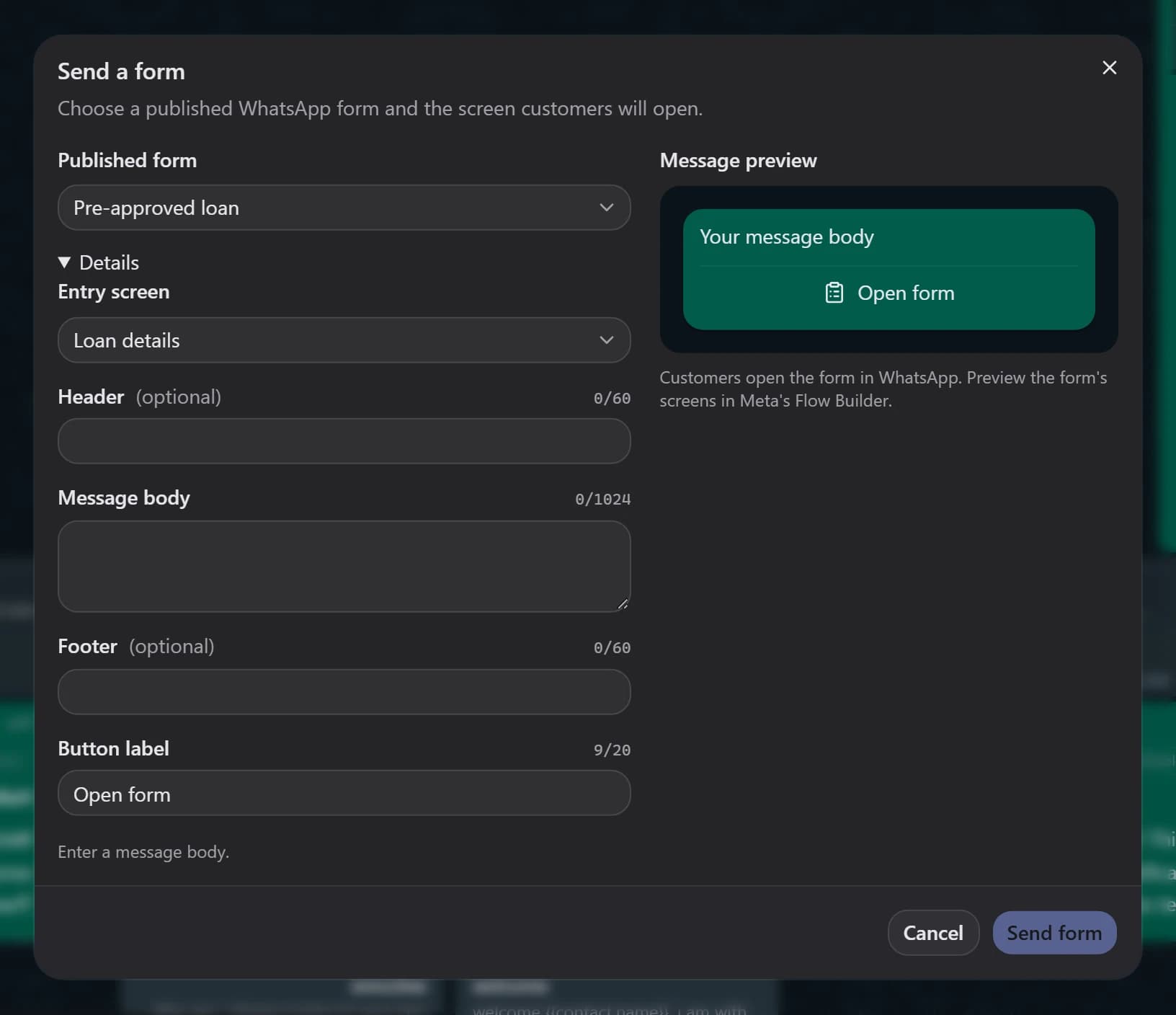
Use Publish form when the form is ready. Send the published form from the Inbox or include it in a message template.
- Published Flows
- Inbox and template sending
Give collected responses a place.
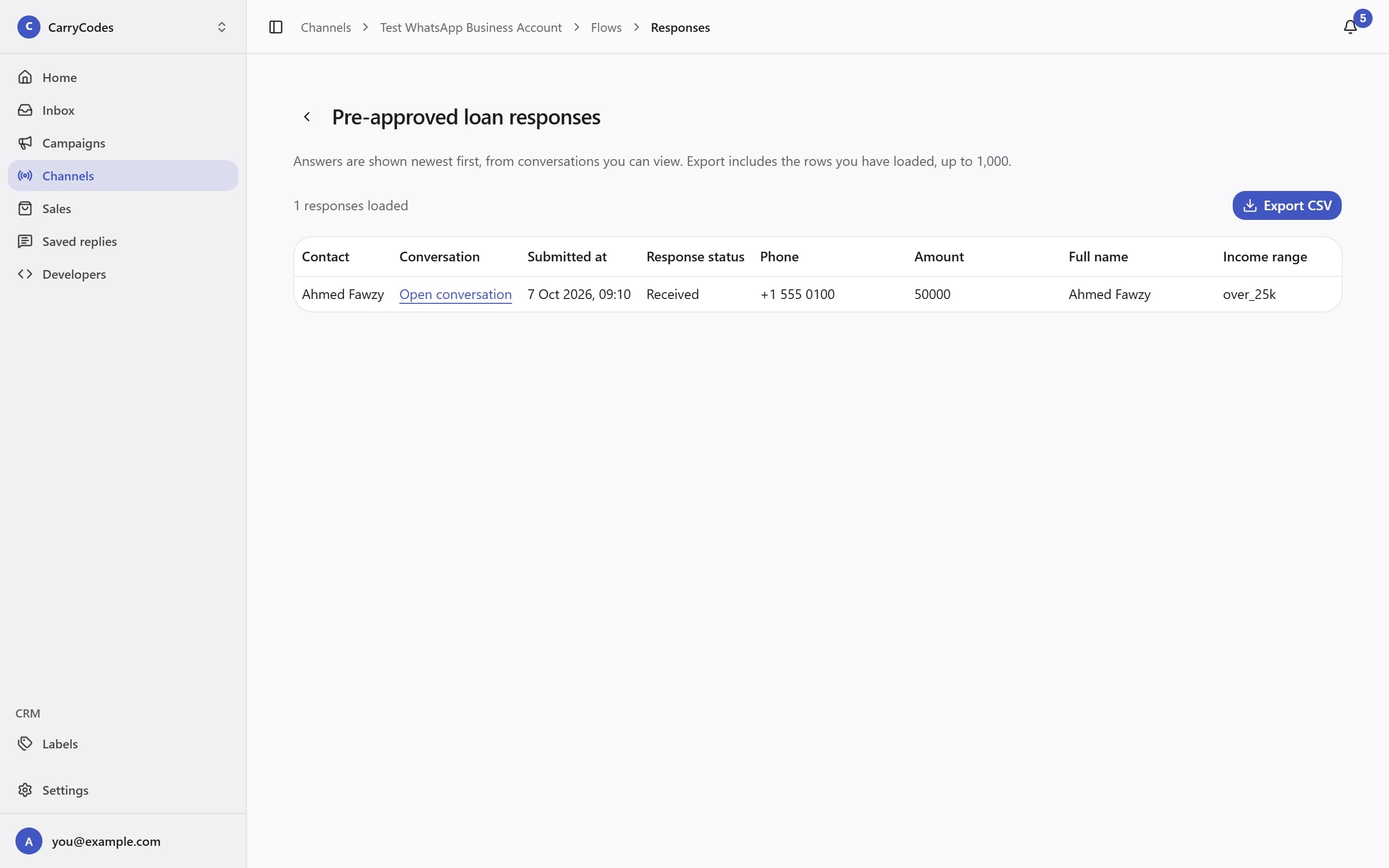
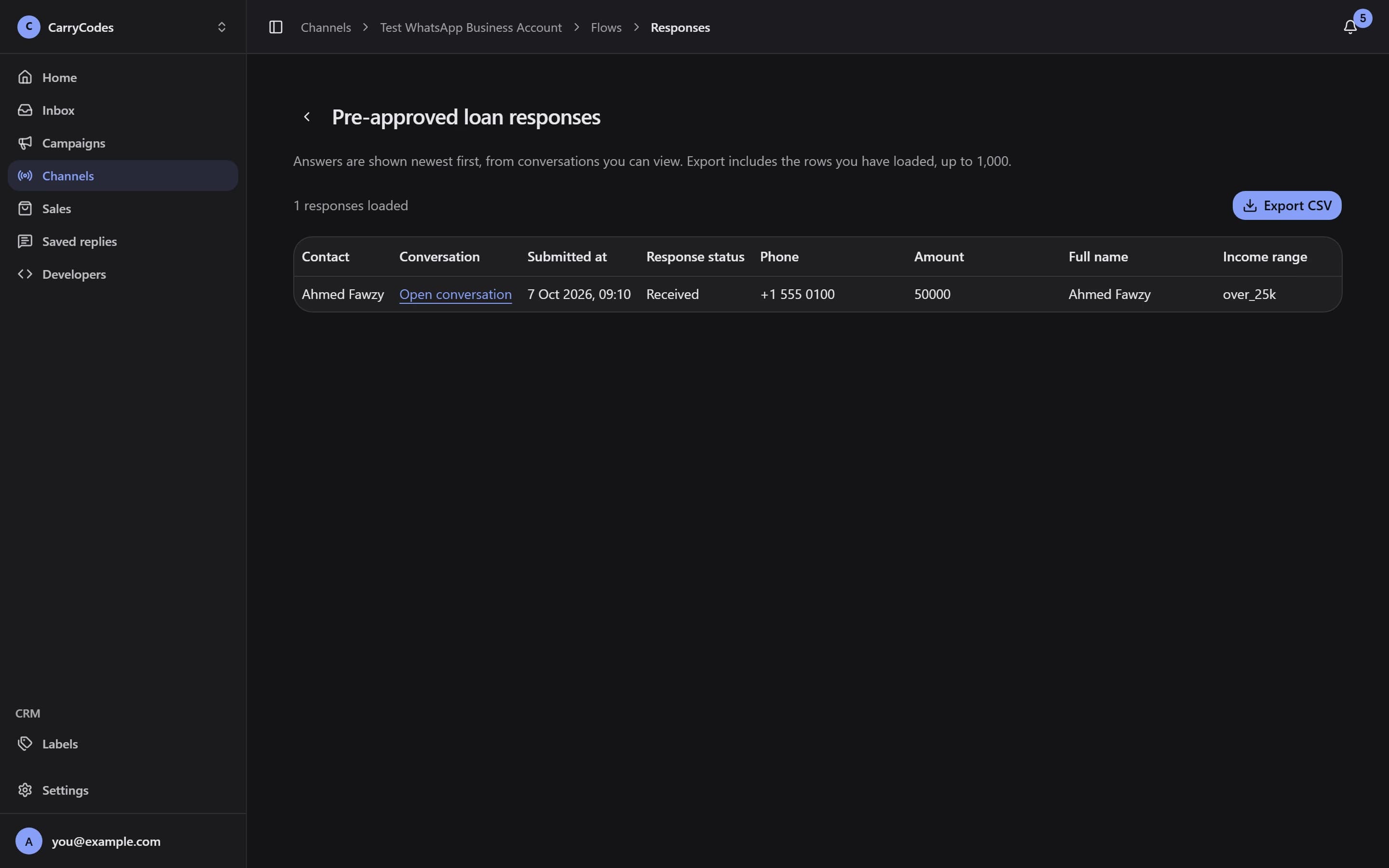
Open Responses to review the answers customers submitted. Use Export CSV when you need to work with those responses outside the dashboard.
- A response view for the form
- CSV export
Before you start.
- Templates need Meta approval before sending. They can also be rejected, paused, or disabled.
- Outside the 24-hour customer reply window, an approved template is required. Sending a template does not reopen that window.
- Meta message fees are separate and billed by Meta. Plan allowances and Meta messaging limits apply to sending.
A place for your
next customer conversation.
Access is invite-only. Confirm your email to join the list; invitations go out in small batches.
Join the waitlist